
Scenario:
You pulled some useful progress report data and now you want to save it as a PDF or plug it into a spreadsheet.
Adding to a Spreadsheet:
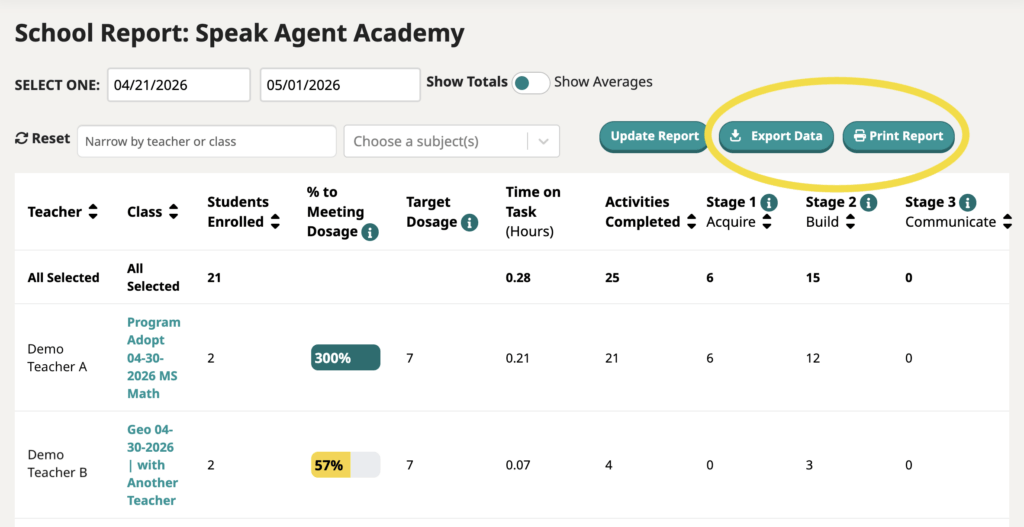
You can export each school report to a .csv file format that can be opened by any spreadsheet program, such a Excel, Numbers, or Google Sheets.
- First, make sure you have filtered by date range, subject, etc. and pressed Update Report so that you are exporting the right data set!
- Next, press the Export button in the top-right corner.
Save as a PDF:
You can print any report to a PDF. These are the steps with the Google Chrome web browser:
- Just press Print Report.
- For print destination, choose Save as PDF.

Mission accomplished!