Scenario:
You would like to see how much progress your students are making with their assigned lessons.
Steps for Tracking Class Progress:
- Go to Classes & Students.

- Click on the name of the class section you wish to view.
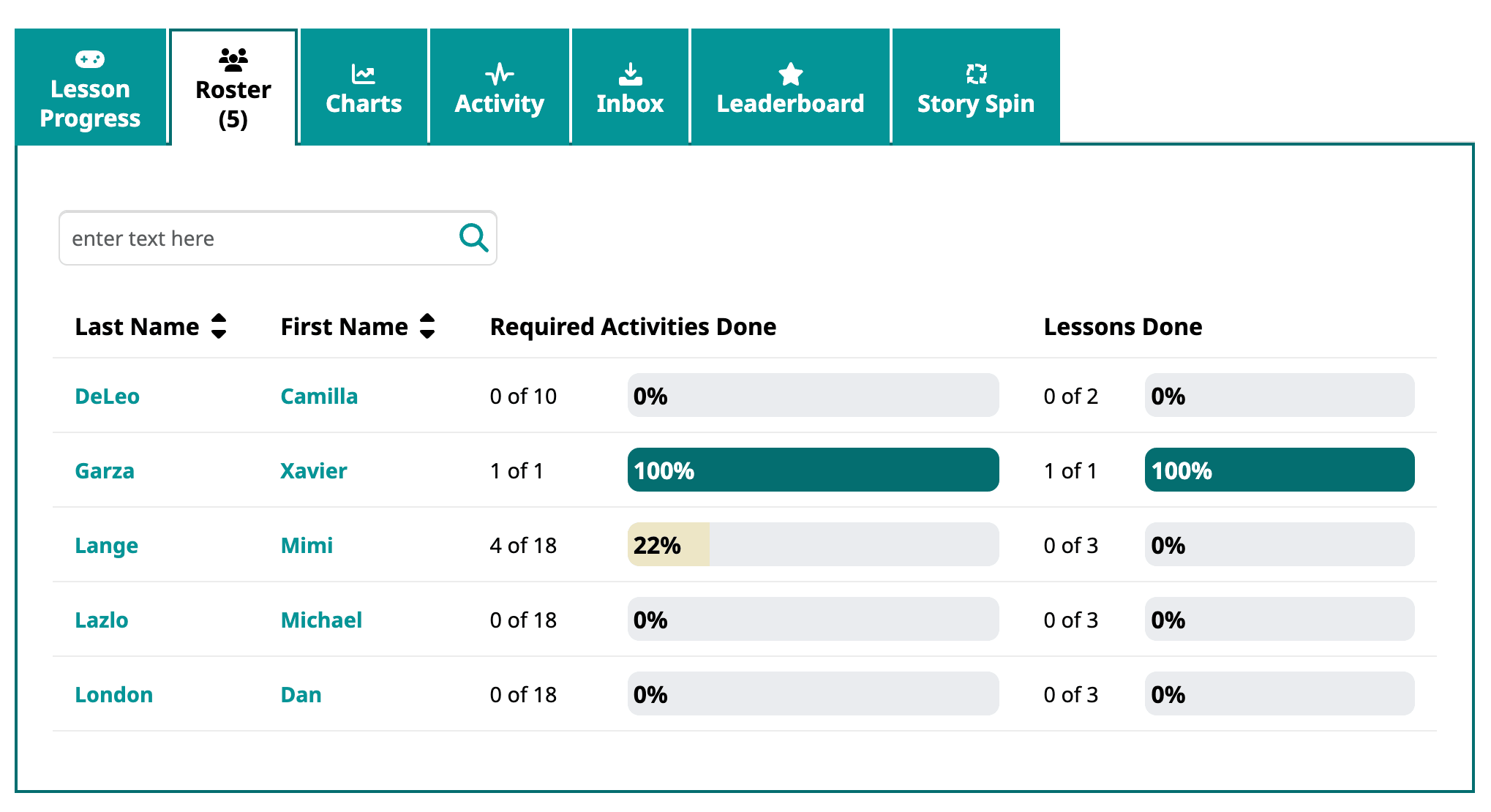
- The Progress tab will show you progress for all of the lessons assigned to the class. Refer to the class lesson report if you want to see lesson progress for the entire class on in one place.
- If are seeking detail for a particular student, please see below.
Steps for Tracking Individual Student Progress:
- Go to your Home page in Speak Agent or to Classes & Students > Roster tab and click the student’s name.
- You will now see the student’s record. A progress bar shows for each lesson currently assigned to that student.
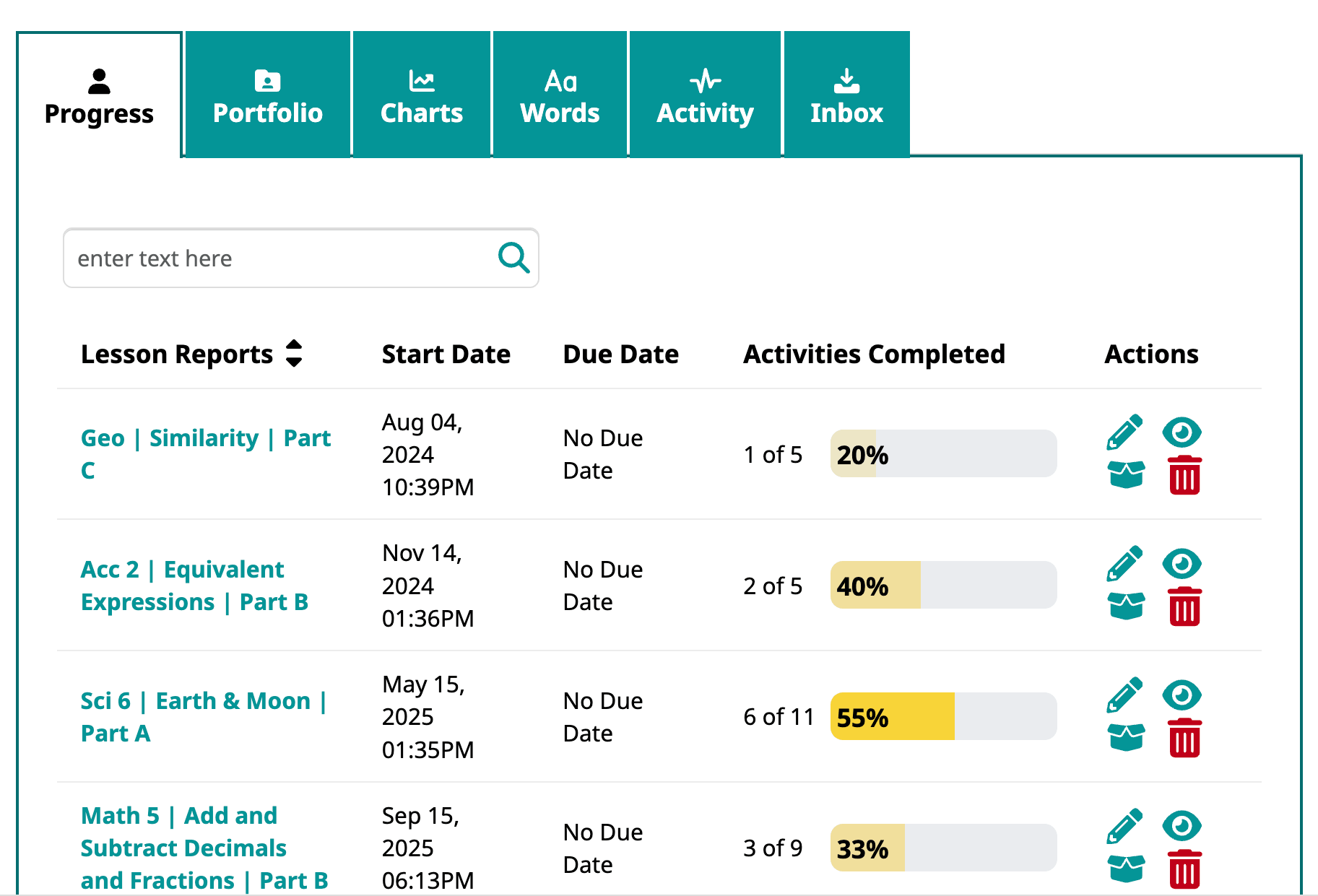
- To drill down even further, you may click the name of a lesson. This will open the student progress report, which also includes activity scores and links to portfolio items, where applicable.
What Does “Completed” Mean?
- Activities are completed when all of the tasks in the activity are done and, in some cases, after a minimum success rate has been achieved (to prevent random guessing).
- Lessons are completed when all of the activities in the lesson are done. Most lessons have between 5 and 10 activities.

Mission accomplished!