The new Speak Agent version 3.9.2 updates the My Voice speaking activities with engaging new designs and enhanced learning supports. Here are the details:
Updates to Learning Activities
My Voice
- Upgraded with a modern, clean look that makes better use of space on the screen and appeals to all ages.
- Improved the activity instructions and accessibility features.
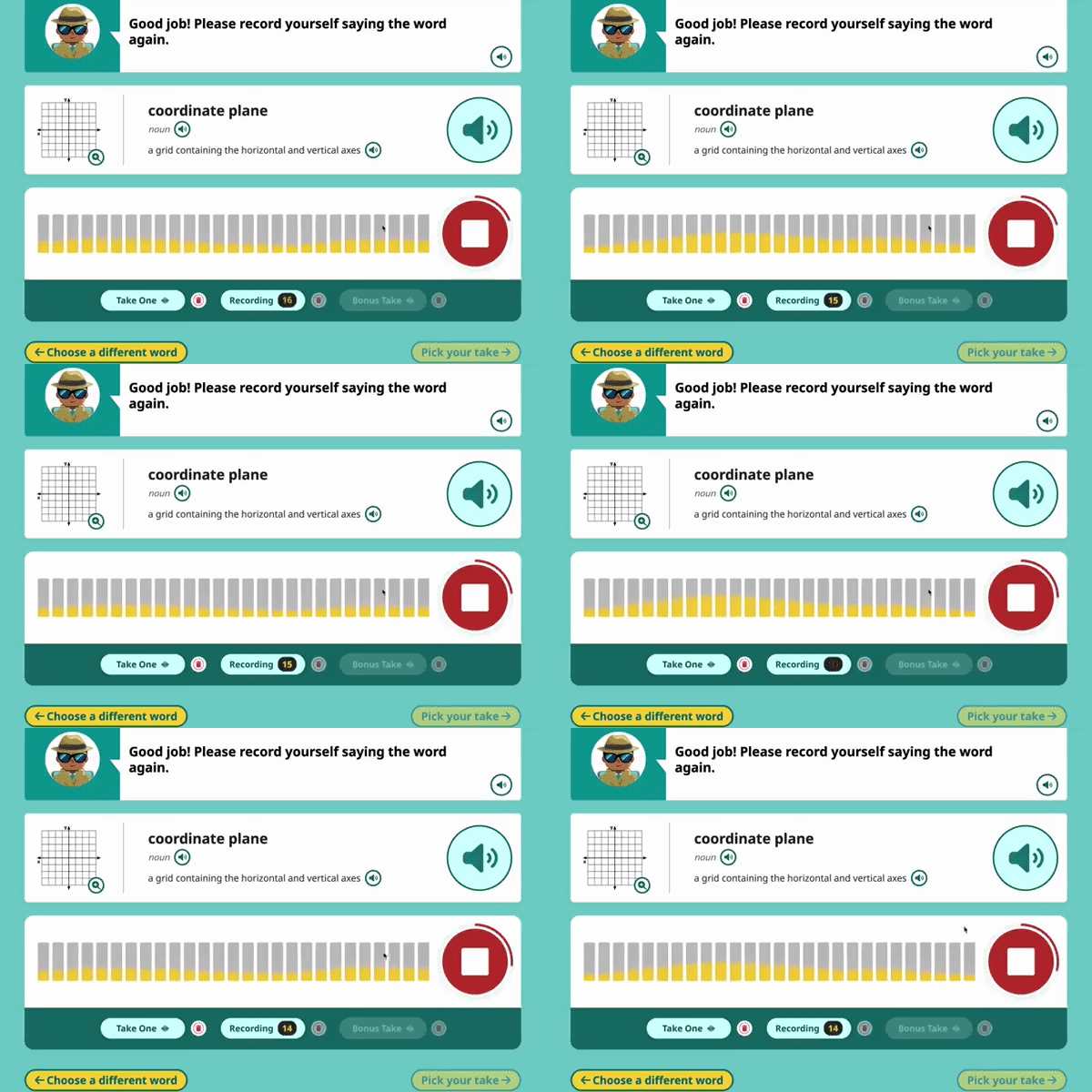
- For the Words mode (shown below), all words now have a visual aid, which student can magnify by pressing the zoom icon:

- For the Sentences mode, some activities also now have a Glossary in the right sidebar.
Answer Studio
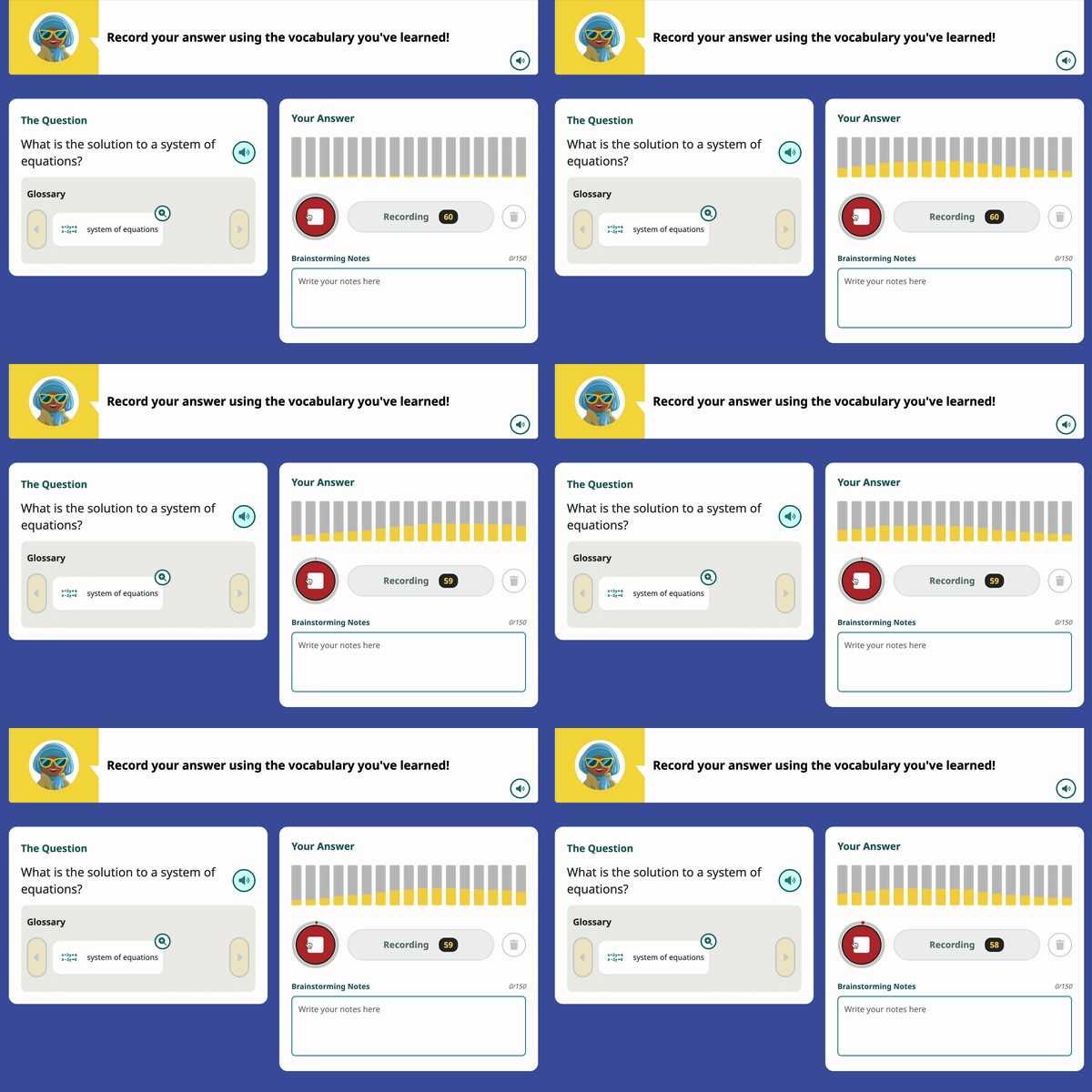
- The new Answer Studio activity (shown below) replaces the My Voice: Questions mode.
- Adds space for students to jot down brainstorming notes as they formulate their answers.
- Adds space for a Glossary and a reference image, which we are adding to some of the activities where it’s helpful.
- Also adds a Hint button for students who need inspiration to formulate and answer. When available, the icon looks like this:

Other Improvements
- You will notice enhanced visual designs throughout the app, including on the student portfolio pages, settings, answer keys, forms, and detailed views.
What’s Next?
Next, we are working on improving lesson search in order to make it easier and quicker to find the lesson you are looking for!
As always, we’d love to hear from you if you’d like to share feedback on the new features or share your wishlist. So please don’t hesitate to contact your support team!