Speak Agent is made by ELD teachers for ELD teachers. It uses research-based strategies and learning scaffolds to boost motivation, achievement, and growth mindset for ELs and MLs.
Listening | Speaking | Reading | Writing | Viewing | Representing
This page provides concrete examples of how Speak Agent embeds supports for listening, speaking, reading, writing, viewing, and representing throughout the platform. Please note that this list is by no means exhaustive and we are always adding to it.
Listening
Audio Narration
 Text-to-speech narration is everywhere in Speak Agent. Students can access audio playback at any time for all instructions, stories, answer choices, hints, words, sentences, and even student-created content. Students may choose from five audio playback speeds. In addition, all text is screen reader-compatible. By converting text into audio, the feature aids English Learners, emergent readers, and students with dyslexia and other reading disorders.
Listening Embedded into Activities
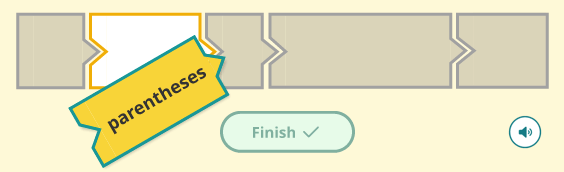
 Listening is embedded in many activities in Speak Agent either as an explicit task, as reinforcement, and/or as a student-activated support. One example is a sentence processing activity called Scrambled Sentences. In this activity, students first listen to a brief story. Then they piece the story back together one sentence at a time. At each stage they listen to the sentences that they solve and the story parts that they recreate. Speak Agent includes a similar activity for word parts (e.g, syllables and affixes) that supports younger grades and newcomer ELs.
Speaking
Verbal Repetition
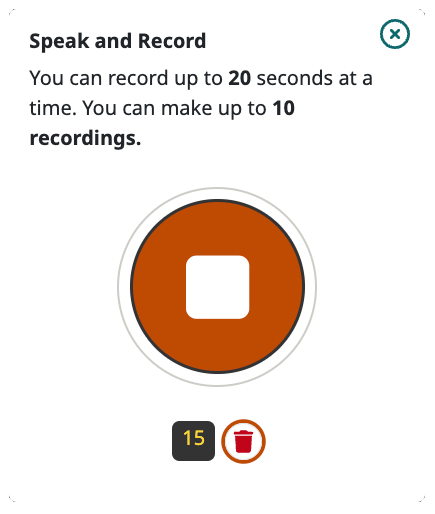
In My Voice, students listen and repeat words, phrases, or sentences. This strategy helps move knowledge from short-term to long-term memory and also builds phonological and morphological awareness. Students may record three takes and then pick their favorite take to share with a teacher. This take is also stored in the student’s digital portfolio. The activity can be done with a partner.
Describing Diagrams and Images
In the Diagram It! activity, students describe the elements of diagrams, process steps, life cycles, maps, models, and other types of visual representations. All voice recordings are stored in the student’s digital portfolio.
Open-Ended Answers
 Many activities in Speak Agent prompt students to answer an open-ended question or to record their thought process or ideas. All voice recordings are stored in the student’s digital portfolio.
Reading
Instant Translation
All Speak Agent activities allow for instant translation at any point during the activity into well over 100 languages! The translation supports all of the visual reading aids in Speak Agent, including text magnification, Focus Mode, highlighting, bolded keywords, and more.

Interactive Word Walls
All Speak Agent lesson modules include a Word Gallery. This is a visual learner’s dictionary customized for a specific unit of study. Students may navigate through the words and images at their own pace and listen to narrations. Each word includes a brief learner’s definition. Some images also include a caption to provide context for how the word may be applied.
Text Magnification
 Speak Agent provides seven different text sizes. These are present in every type of story-based activity on the platform. Students can choose the text size that best fits their needs with a single press or click. They may adjust the size at any time on any page.
Focus Mode
 Focus Mode is a visual reading aid that dims the entire screen except for the specific area being read. This helps students who have vision needs and can also help students to focus attention on the text. To exit Focus Mode, the reader simply clicks or taps anywhere on the screen.
Highlighting
 Students may highlight any text they wish in any of four primary colors. This strategy supports tracking when reading. Readers can also use highlighting to categorize things like textual elements, literary techniques, and trouble words.
Keyword Bolding and Quick Reference
 In reading activities, the target academic vocabulary terms for the current unit are bolded for easy identification. This helps students to focus on the key concepts they are expected to learn.
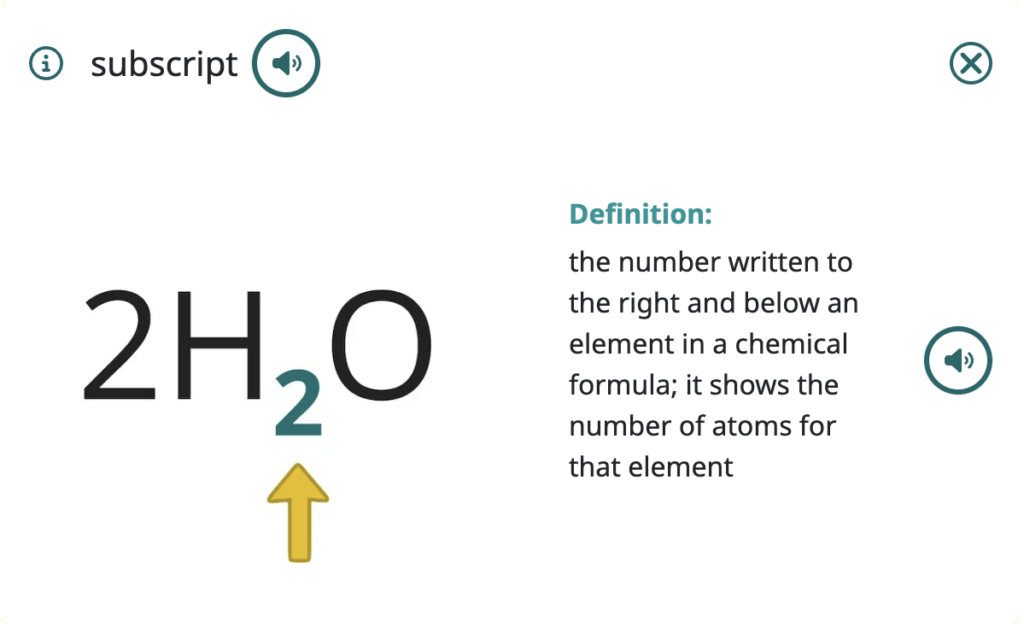
Some activities also link keywords to a quick reference that provides a visual aid, audio, definition, and/or an example.
Writing
Sentence Frames, Stems, and Writing Models
Sentence frames, sentence stems, and writing models all provide critical learning scaffolds for students to improve their academic writing. Speak Agent uses digital tools to enhance this strategy to incorporate listening, reading, and viewing modes, as well as writing and speaking. Learners may first read and/or listen to a short passage to gain context clues, for example. Then they use their writing and/or speaking skills to complete the explanation, with the help of visual aids and other embedded scaffolds such as hints.

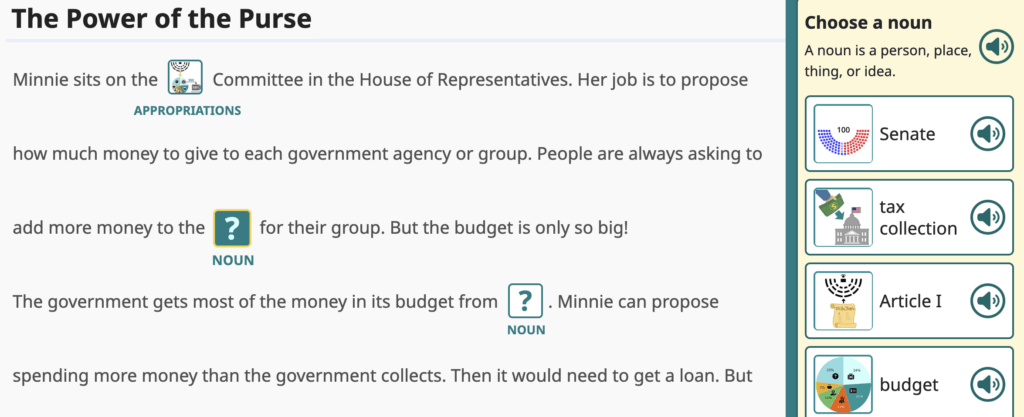
Explain Your Work is a scaffolded writing activity. Students use this activity to explain their thinking in four steps: (1) Use visual aids to fill in sentence frames with academic vocabulary, (2) Complete sentence stems by typing responses, (3) Compare against a writing model, and (4) Write their own full written explanation with the help of audiovisual supports.
Visual Word Banks
All writing activities in Speak Agent embed a visual word bank based on that unit’s specific word wall words. Students simply press on a visual and the text inserts into their writing area. This supports English Learners or any student with an academic vocabulary deficit. All writing samples are stored in the student’s digital portfolio.
Immediate Feedback on Writing
Speak Agent provides feedback on writing in three modes: teacher feedback, classmate edits and ratings, and self-check against a writing model. These varied modes help students to reflect on and improve writing, as well as interpersonal communication. It is embedded in several different collaborative activities, including Drawing Board, Explain Your Work, Math Problem Maker, and Story Spin, and will be part of future activities as well!
Viewing
Visual Aids
The activities in Speak Agent use visual aids either as part of the learning task itself—or embedded within a reference tool accessible to students as they complete their work. You will find visual word banks, photos, illustrations, animations, symbols, and other image supports throughout our platform.
Multiple Visual Representations
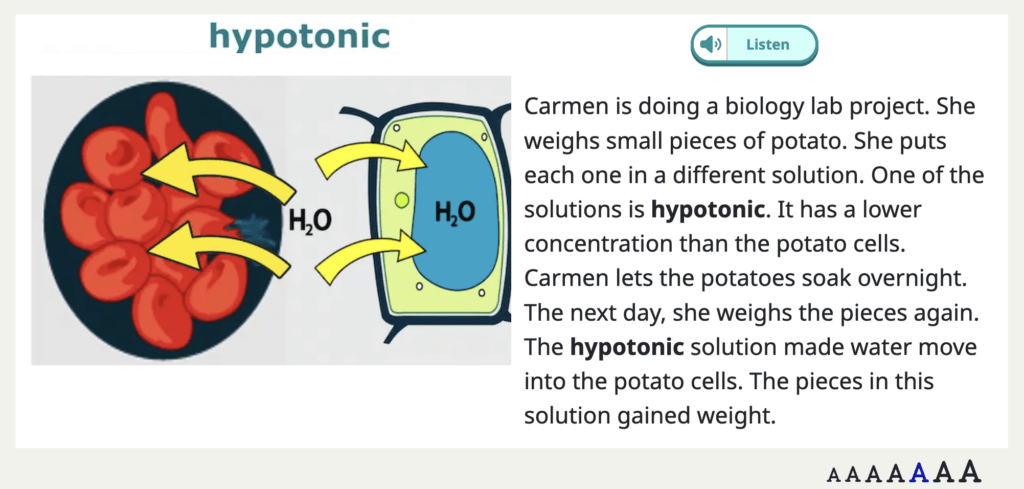
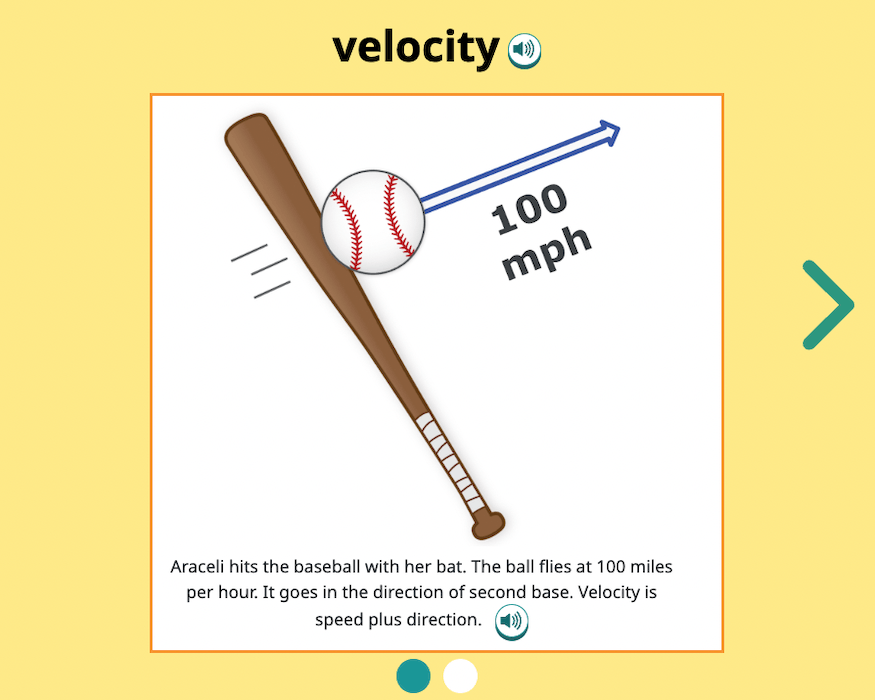
Speak Agent integrates multiple visual representations into many of its ready-to-use Content + Language activities. Multiple visual representations provide a variety of concrete examples to illustrate an abstract or overarching concept. If you show a student only one concrete example, they may confuse the concrete example with the concept itself—and that can fossilize a misconception. Multiple visual representations are most evident in our Diagram It! and Word Gallery activities.

Representing
Representing is an expressive communication mode that allows learners to convey meaning by creating a visual or by augmenting an existing visual. Representing is particularly important in math and science, where it can be a challenge to visualize data, processes, and interrelationships.
- In mathematics, a visual representation depicts a set of quantities and relationships. Imagine a student creating a pie chart and a fraction strip, both representing one-third.

- In the sciences, “representing” is critical to at least four of the scientific practices: developing models, planning investigations, arguing from evidence, and evaluating and communicating.
The purpose of having students create their own visual representations is to reflect their understanding of a problem or phenomenon and to help them correctly solve or investigate it. When students create or augment representations, they also internalize the concept.
Drawing Board
Speak Agent features an activity called Drawing Board where students can create their own graphs, charts, 2-D and 3-D figures, data tables, visual models, diagrams, and much more. Alternatively, they can layer their own annotations, doodles, shapes, highlights, and data on top of existing background images that the program provides.
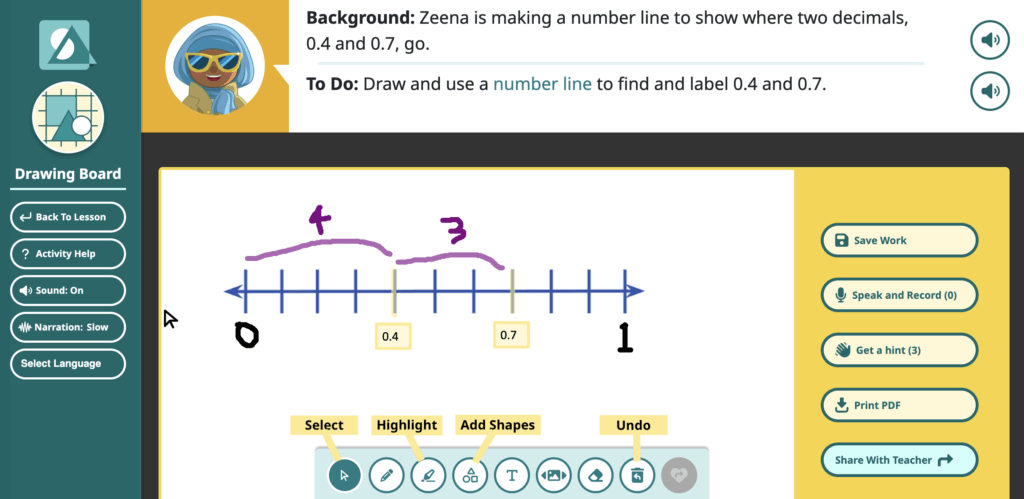
Drawing Board comes with built-in hints, a word bank, voice recording capabilities, translation and narration tools for the hints and instructions, and many other features that were ideated by level 1 and 2 multilingual learners. In fact, we co-designed Drawing Board with multilingual learners and, in testing, the pilot teachers were constantly surprised to discover how many of their level 1 and 2 students could represent complex ideas visually that they simply could not express verbally or in writing.
Drawings Gallery
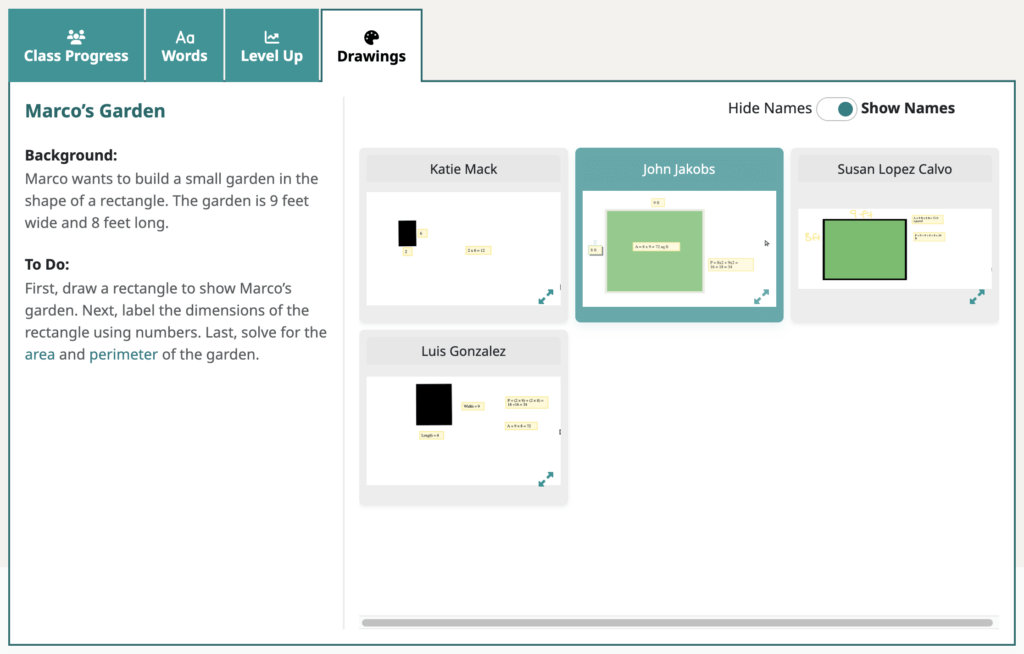
The gallery allows the teacher to view all the visual representations their students created in the Drawing Board for a particular unit or lesson on a single page, quickly cycle through them, and expand them for sharing on a projector screen. Because students are often self-conscious about their creations, the gallery hides student names unless and until the teacher decides to show them. (View a video of the gallery here.)