Directions:
- Sign in at Clever.com (if your school uses it) or at teach.speakagent.com. Use any web browser. (Chrome works best!)
- If you are not seeing the correct information (like you see another student’s username), make sure you first Sign Out at the top-right and then sign back in again.

- Students who do not use Clever get a username and a secret code or PIN.
- PINs are for grades 5 & up. Look for the backpack in the middle of the login page:
- Secret codes are for grades 3-4. It’s on the left side of the login page.
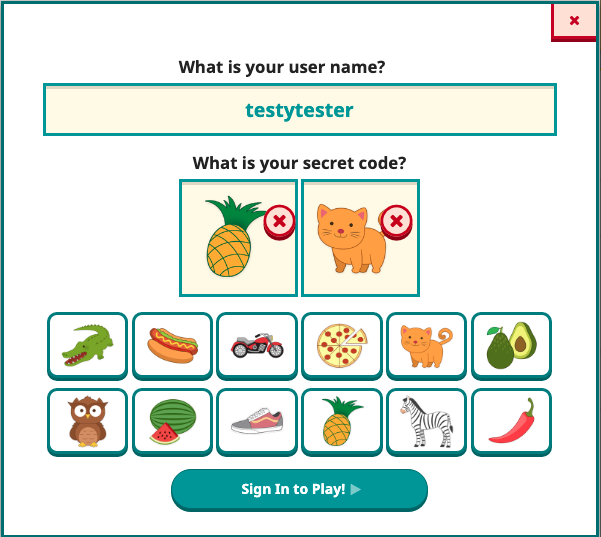
- PINs are for grades 5 & up. Look for the backpack in the middle of the login page:
- Now you can access your assigned lessons and get to work.
Troubleshooting:
If your login is not working, please let your teacher know! Be sure to tell them when you tried to sign in — just in case we had technical issues that are now fixed.
If you are using a shared Chromebook, remember to Sign Out when you are done!

Mission accomplished!