Scenario:
You wish to share a direct link to an assigned lesson outside of the Speak Agent platform with your students. For example: You may want to paste a link into Canvas or Google Classroom.
Steps for Copying and Sharing a Link:
- First, go to the lesson you wish to share
 .
. - On the right sidebar of the lesson, click the link icon:
 .
.
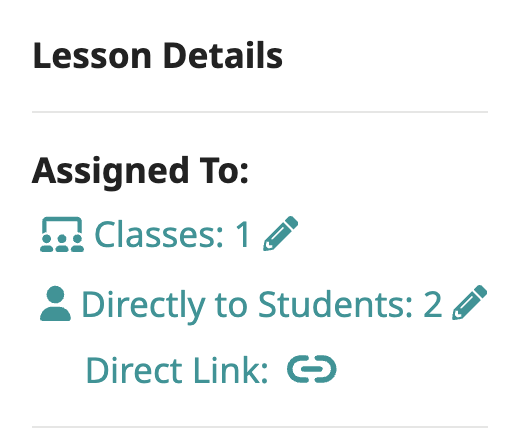
- You should see a confirmation that the link is copied to your clipboard.
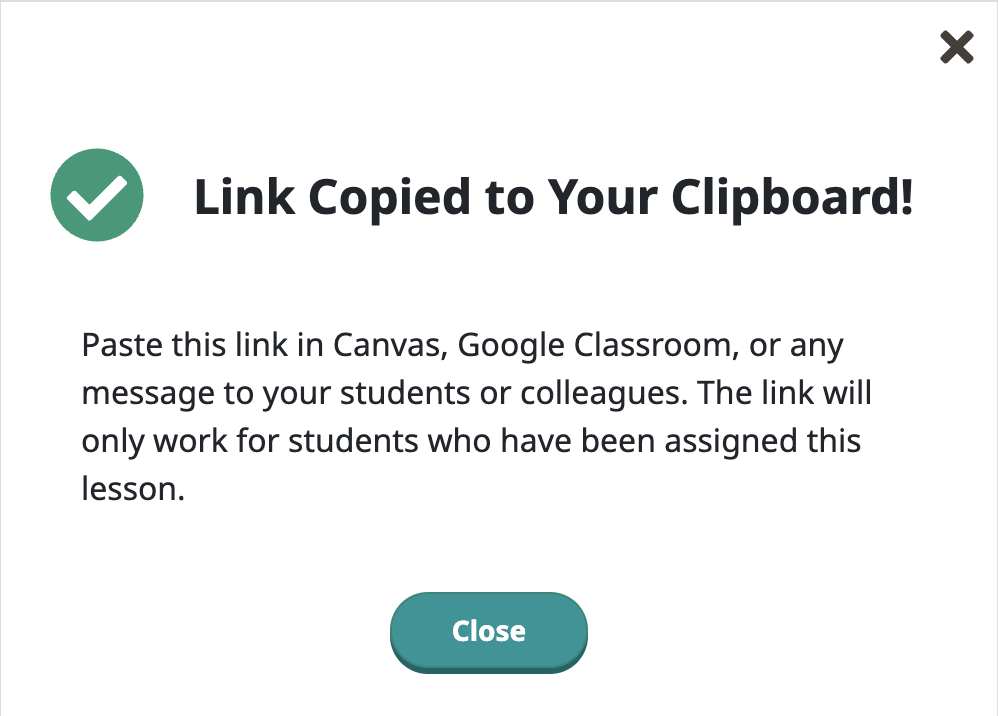
- Now paste the link in Canvas, Google Classroom, or any other tool you used to share assignments.
- Students who click this link will go directly to the assigned lesson in Speak Agent, rather than to their Home page.
- This link will only work for students who have been assigned the lesson.

Mission accomplished!