Directions:
Answer Studio is a place where you can record yourself speaking answers to questions from the lesson. The goal is to give you a way of talking about the answers instead of writing. Maybe you know the answer, but don’t know to put it into words?
- You start with a menu of questions. You can answer them in any order you want.
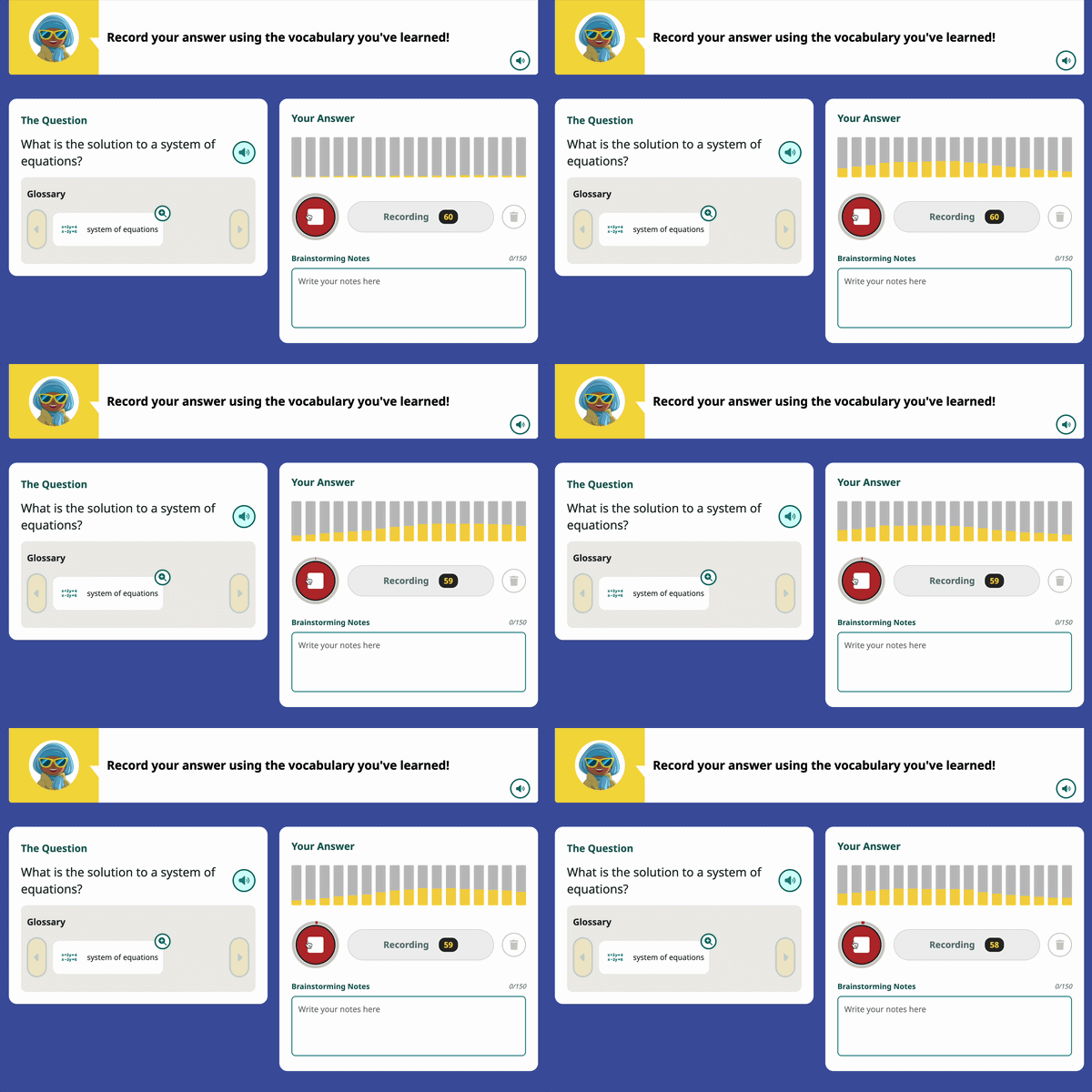
- Once you click on a question, you can record your answer by pressing the large mic icon.

- Sometimes there will be an image or a Glossary of words that can help you understand the question.
- You can also write down some Brainstorming Notes if that helps you put together your thoughts. You don’t have to use this field.
- Once you start recording, you should see the equalizer (yellow sound bars) start to move. If you don’t, check your audio settings.
- Press the red stop icon to end your recording. It maxes out at 60 seconds.
- If you don’t like your recording, press
 to wipe it and start over.
 - When you are ready, move on to the next question!
- If you don’t like your recording, press